
Bring Your Own LLM
BYOL allows users to store their own AI provider API key, enabling KAI chat to run on their chosen model instead of the platform's default Gemini. Supported providers include Anthropic (Claude), OpenAI, Google Gemini and Vertex AI. When BYOL is not fully configured (toggle disabled, missing key, or no default model selected), KAI falls back to the platform Gemini.
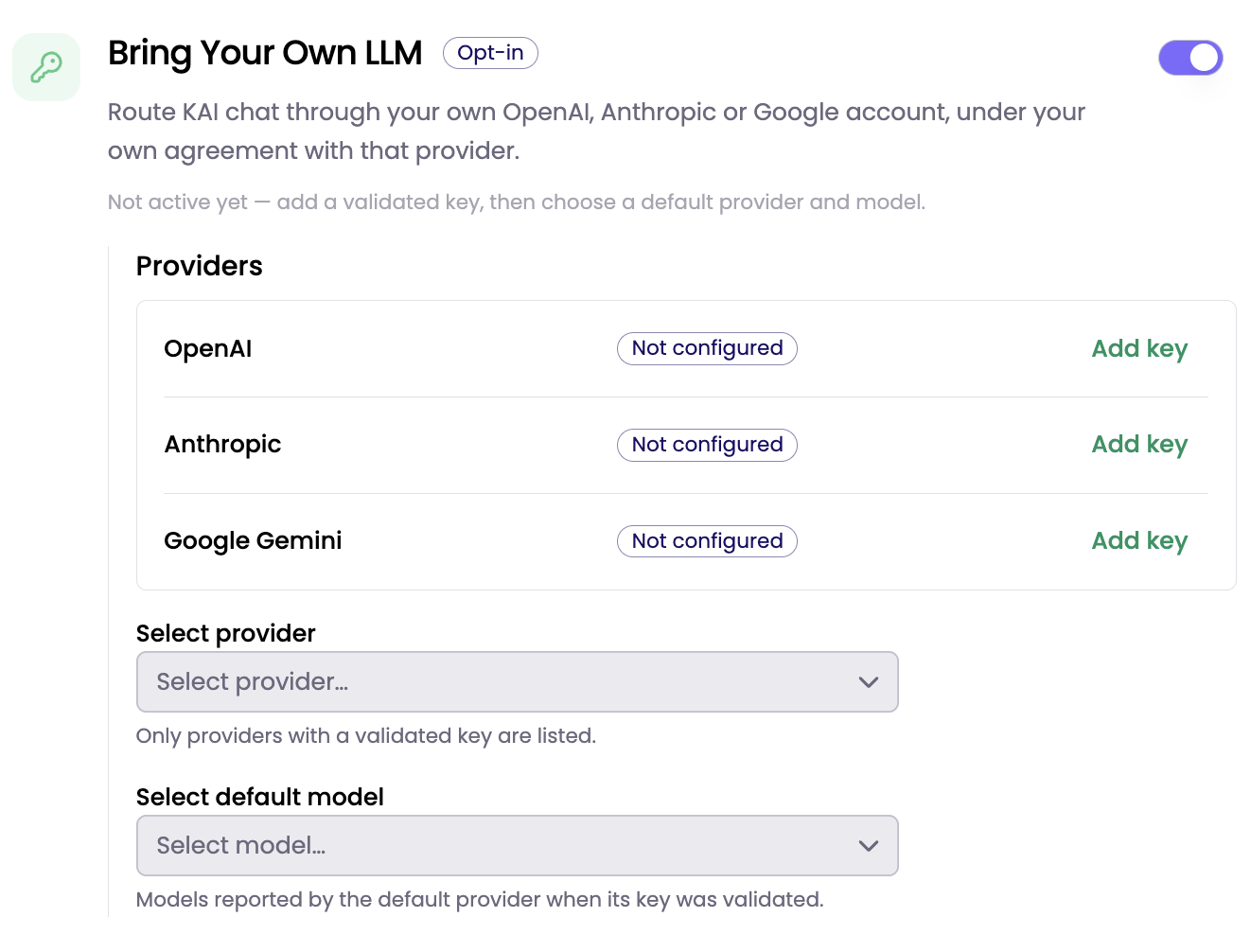
Configuration Steps
-
Admin → AI settings → Bring Your Own LLM section.
-
Turn on the Bring Your Own LLM toggle
-
Pick the provider → Add key → Paste the API key (or the whole service-account JSON for the Gemini Vertex option) → Save

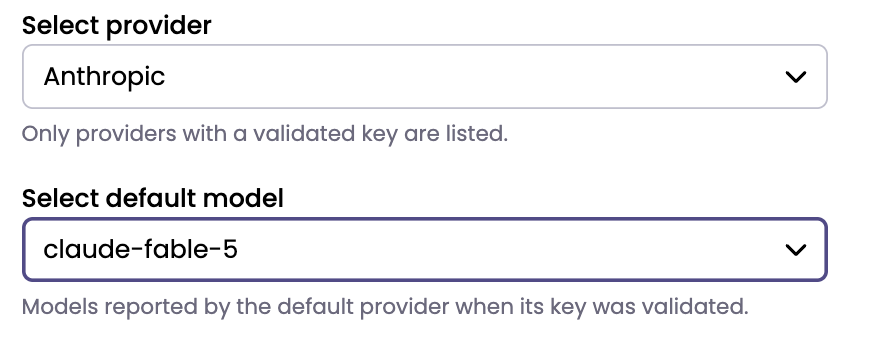
- Select default provider and model → The model dropdown lists what the saved key can actually reach.
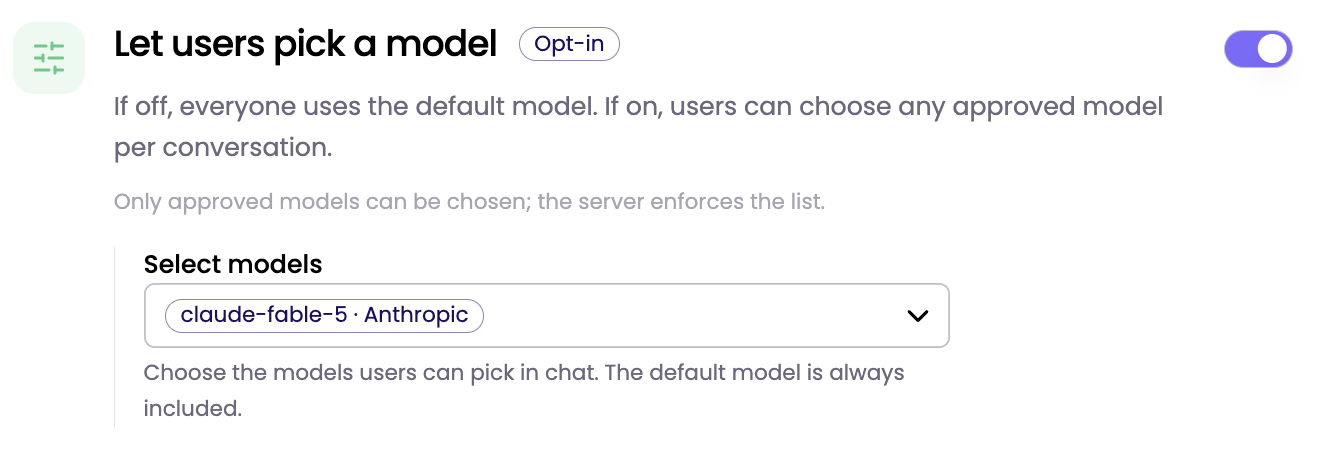
- (Optional) Enable user model selection → Turn on Let users pick a model and choose the approved models users may switch between in chat.
Updated about 3 hours ago
Did this page help you?